
Meet Automations, new in JPEGmini Pro 4.5. It optimizes your photos and videos in the background, automatically, even when the app is closed. One folder in. Every size out.
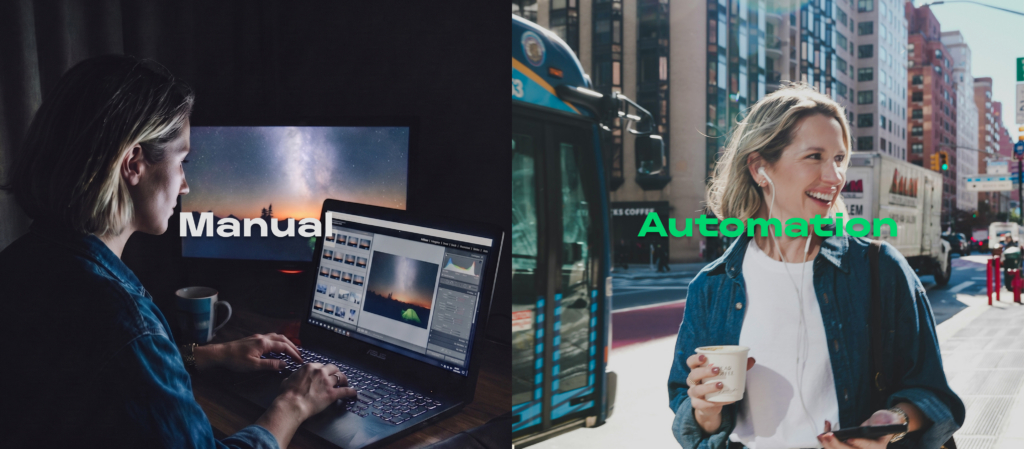
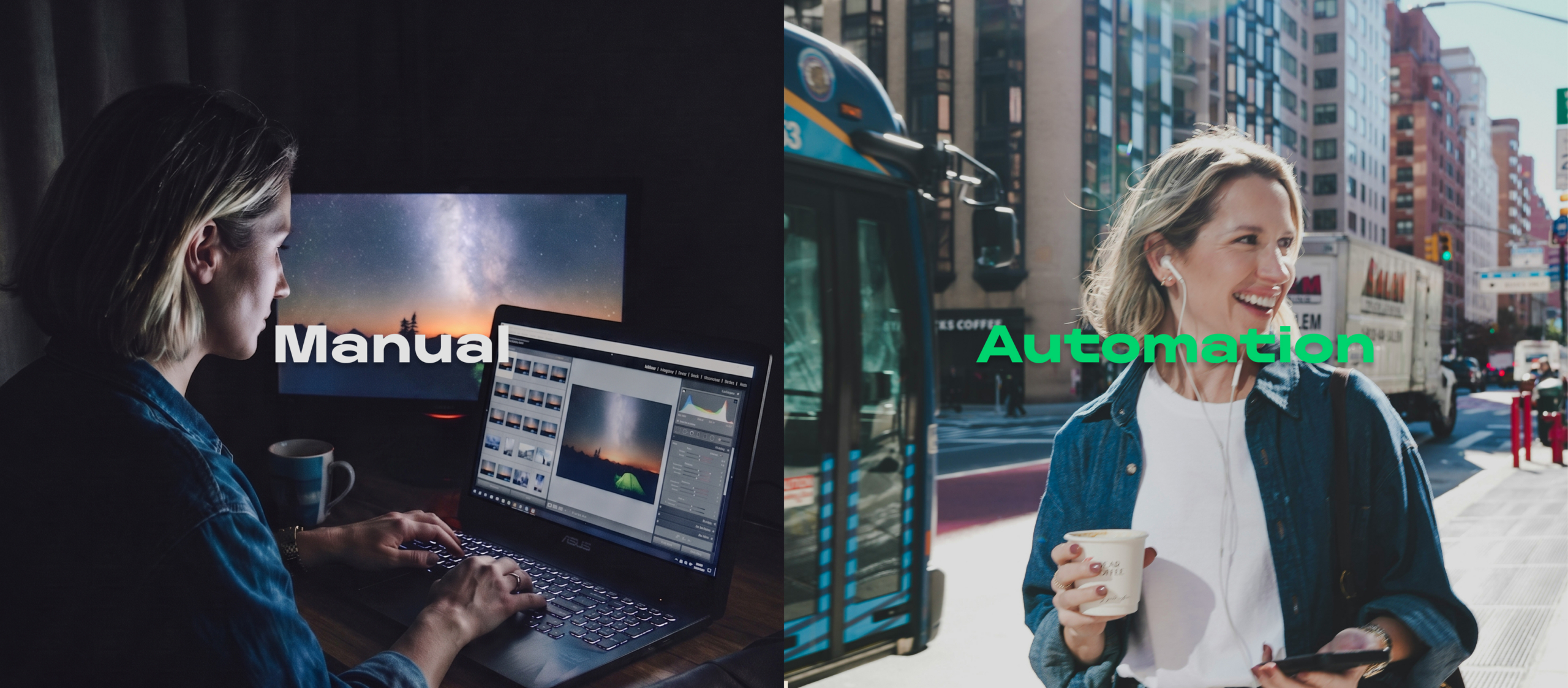
You shoot. You cull. You edit. Then comes the part nobody talks about: the export grind. Resize for print. Resize for your website. Resize for Instagram. Optimize everything. File it all in the right folders. Start over tomorrow.
For photographers shooting high-resolution cameras (100-megapixel medium-format files near 95 MB each), that repetition quietly eats hours every week. Hours you’d rather spend shooting, editing, or anywhere else. Automations, the new feature in JPEGmini Pro 4.5, removes the grind.
Set It Once. Let It Run.
Tell JPEGmini which folder to watch, where to send the optimized versions, and what sizes you need. From then on it handles everything automatically, even when the app isn’t open.
Drop a folder of photos or videos into your watched folder. Within seconds JPEGmini has processed every file, saved over a gigabyte of storage, and sorted the output into a folder for each size. Everything lands where it should.
No babysitting. No manual steps. Just optimized files waiting for you.
One Automation, Multiple Outputs
Here’s where Automations earns its keep: a single automation creates several resized versions from one incoming file.
Shoot high-res and need, every time:
- Full resolution for print and archiving
- Gallery (max 2048px wide) for your portfolio site
- Social (max 1080px wide), Instagram-ready
- Custom size for any spec you need: set your own max width, height, long edge, or short edge
One automation covers all four. Every file that lands in the folder, JPEG or HEIC, is processed into every version at once, each in its own subfolder. Video works the same way: drop in MOV, MP4, or M4V and output 4K, 1080p, and 720p alongside your photo sizes, in one flow.
Run up to four automations at once, each watching a different folder with its own sizes and destination. The flexibility is there. The complexity is not.
Real Workflows, Real Photographers
Automations isn’t built for one kind of photographer. Here’s how it looks running in the background across different workflows.
Wedding Photographers
Twenty-five weddings a year is enough work. Finish the edit and let JPEGmini finish the rest. Point one automation at your delivery folder, and every gallery comes out optimized and sized for client download, the web, and social, done before you’ve closed your favorite tool.
Commercial & Studio
A product shoot might need the same images in four formats: full-res for the client, web-optimized for e-commerce, a square crop for their app, and compressed thumbnails for email. One automation per output spec, all watching the same folder, and every batch you deliver meets the brief. No reformatting, no back-and-forth.
Real Estate
Turnaround is everything. Agents need photos on listing sites within hours. With Automations watching your export folder, images are web-ready the moment they leave your favorite tool. You’re sending the client a link while you’re still packing your gear bag.
Tethered Shooting
Point your tethering software’s capture folder at JPEGmini’s watched folder. Every frame that hits the screen is already being processed. Your client reviews on the monitor while export-ready versions stack up in the output folder. No post-shoot step.
Hybrid & Video Shooters
Automations handles video, not just stills. Drop a finished cut (MOV, MP4, or M4V) into your watched folder and get a 4K master for archive, a 1080p version for the web, and a 720p cut for social, all generated together. If you shoot a wedding or event in both photo and video, one set of automations delivers both, sized and optimized, while you move on to the next edit.
Stock Photographers
Every platform has its own size and dimension rules. Set up one automation per platform (Shutterstock, Adobe Stock, Getty), drop your selects in the source folder, and walk away. Each platform gets exactly the file it needs.
Website Owners & Bloggers
Heavy images are one of the biggest reasons sites feel slow, and slow sites lose visitors. Make your watched folder the staging area where images land before they go online. JPEGmini produces web-optimized versions at the exact dimensions your site needs, like a 2048px hero or a 1080px thumbnail, with no plugin to configure and no manual export step.
For e-commerce owners shooting their own products, the payoff is direct: smaller images, faster pages, better SEO, and lower hosting costs. All without touching a setting after the first setup.
It Runs in the Background
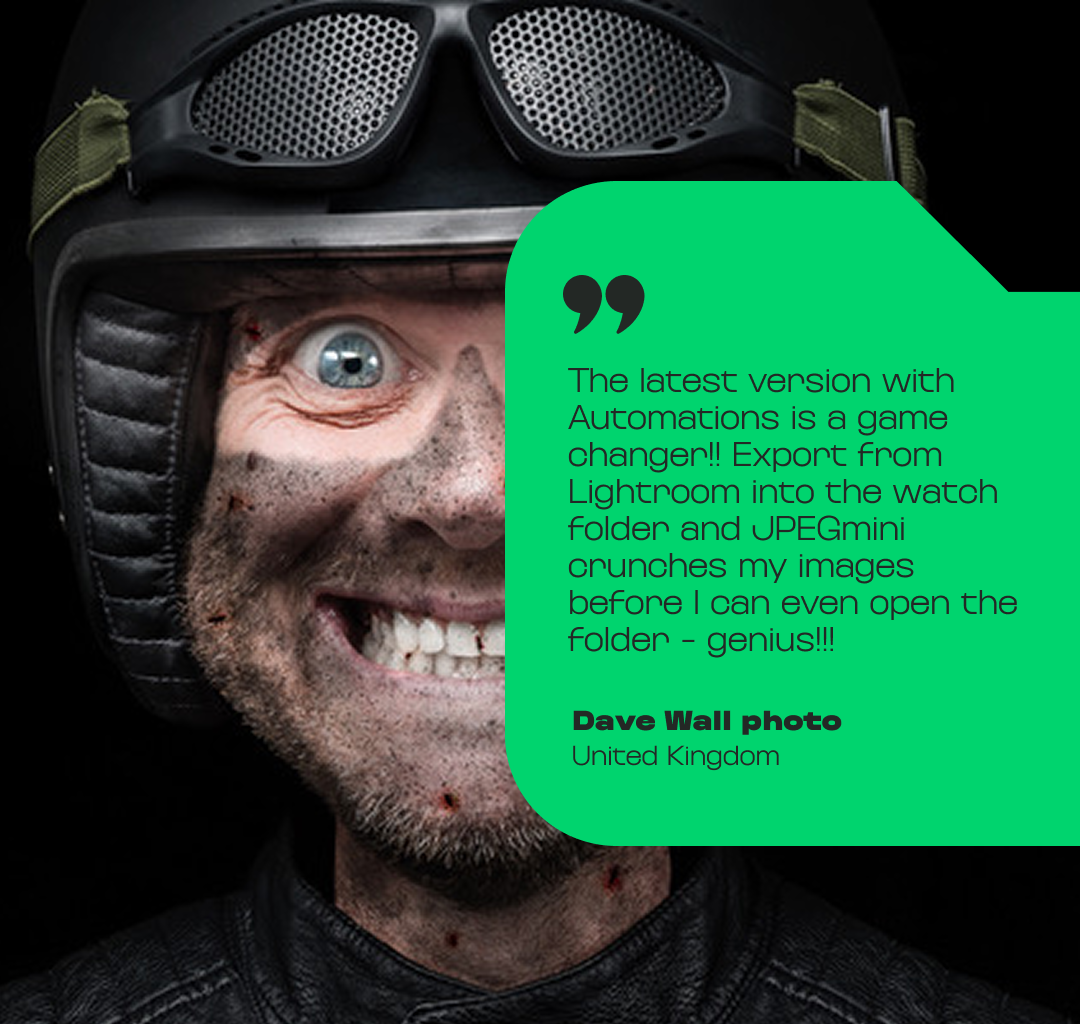
A background agent watches your folders continuously, even after you quit the app or restart your computer. Export from your favorite tool into your watched folder and JPEGmini goes to work on its own. By the time you finish your edit, your optimized files are already waiting: print-ready, web-ready, social-ready.
Your Originals Stay Protected
When a file is picked up, JPEGmini moves the original into a secure hidden folder before processing begins. Need it back? Retrieve it any time from the Automations settings. You decide how long originals are kept, a day, a week, or indefinitely, and JPEGmini clears them after that to keep your drive tidy.
See It at Scale
JPEGmini’s compression quality isn’t new. Seeing it at scale makes it real. A single 94.9 MB JPEG from a 102-megapixel camera came out the other side at 29.1 MB. Same pixel dimensions. No perceptible quality loss. 69% smaller. Run that across a full shoot and you reclaim gigabytes, every time, without lifting a finger.
What You’ll Do With the Hours Back
Smaller files are the point on paper. The hours are the point in practice. With the export grind gone, photographers tell us they:
- Get home for dinner instead of babysitting exports
- Scout the next location while the files process themselves
- Take on more shoots in the same week
- Actually take the weekend off
Try JPEGmini Pro 4.5
JPEGmini Pro 4.5 with Automations is available now. Set up your first automation in under two minutes. Free trial, no credit card required.